
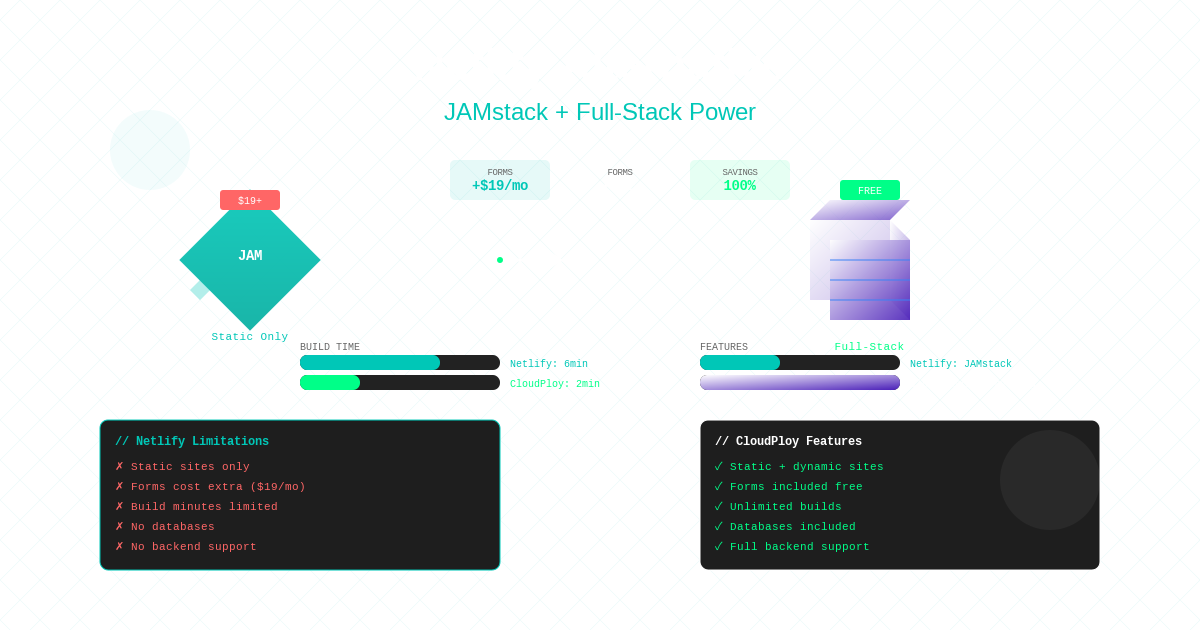
Netlify is built around Git-based static and JAMstack deploys. If your app needs a long-running server, CloudPloy deploys it to a server you own: EC2 in your own AWS account, or any server over SSH.
Why Teams Look for Netlify Alternatives
- Predictable costs: a plan fee with monthly build credits, and no bandwidth charges from CloudPloy
- A real server: run your app on a server you control
- Your own infrastructure in your AWS account
Detailed Comparison: CloudPloy vs Netlify
Pricing
Netlify Pricing Structure:
- Free: $0, includes 300 credits
- Personal: $9/month, includes 1,000 credits
- Pro: $20/month with unlimited members, includes 3,000 credits
- Enterprise: Custom pricing
- Usage is charged in credits: 15 credits per production deploy, 20 credits per GB of bandwidth, 10 credits per GB-hour of compute, 2 credits per 10k web requests
- Extra credits on Pro: 1,500 for $10
CloudPloy Pricing Structure:
- Free plan: Free forever: 1 server, 1 app, and a hard cap of 2 vCPU / 2 GB RAM
- Plan fee from $9.99 to $39 a month, with the same amount in build credits each month
- Server compute is billed separately by your cloud provider (AWS, in your own account)
- See CloudPloy pricing for current plans
With CloudPloy your total is the plan fee plus the compute for your server.
Deployment
Netlify:
- Git-triggered builds
- Static site generators focus
- Deploy previews
- Rollbacks
CloudPloy:
- Deploy from Claude Code, Cursor, ChatGPT, or any MCP client through CloudPloy’s MCP server
- Nixpacks builds on CloudPloy’s build service, not on your server
- Zero-downtime deploys
- Presets for WordPress and Laravel
Static Sites
Netlify is a strong fit for static sites and JAMstack workflows. CloudPloy is a server-based platform, so a purely static site does not need it.
Backend Workloads
Netlify:
- Serverless functions
- No persistent servers
CloudPloy:
- Your app runs on a persistent server you own
CDN and Domains
Netlify: Global CDN and asset optimization built in.
CloudPloy:
- Automatic SSL for your domains
Developer Experience
Netlify:
- Git integration
- Netlify CLI
- Deploy previews
CloudPloy:
- Deploy from Claude Code, Cursor, ChatGPT, or any MCP client
Use Cases
- Marketing sites and portfolios: Netlify’s free plan works well.
- Server-rendered and backend apps: CloudPloy runs them on your own server.
- Laravel or WordPress apps: CloudPloy has presets for both, which Netlify’s static hosting does not run.
Moving from Netlify to CloudPloy
- Connect a server: EC2 in your own AWS account, or any server over SSH.
- Connect your AI agent to CloudPloy’s MCP server and ask it to deploy your repository.
- Bring your Netlify environment variables over to the new deploy.
- Point your domain’s DNS at the server; SSL is automatic.
Feature Comparison
| Feature | Netlify | CloudPloy |
|---|---|---|
| SSL certificates | Yes | Yes (automatic) |
| Serverless functions | Yes | Not offered |
| Persistent servers | No | Yes, on a server you own |
| Price | Free; Personal $9/month; Pro $20/month, plus credits | $9.99 to $39/month + your compute |
Common Questions from Netlify Users
Is CloudPloy as easy as Netlify?
The workflow is different: you ask your AI agent to deploy, and the app runs on a server in your own AWS account or on your own SSH server.
Can I migrate my Netlify Functions?
CloudPloy does not offer serverless functions. You would run that logic as part of an app on your server.
The Verdict
Choose Netlify if:
- You only need static sites
- You are already invested in its ecosystem
Choose CloudPloy if:
- You want to run a server-based app in your own AWS account or on your own server
- You prefer a flat plan fee plus your own compute
- You want to deploy from an MCP client
Netlify pricing checked on November 18, 2026. Netlify is a trademark of Netlify, Inc. This comparison is for informational purposes.