
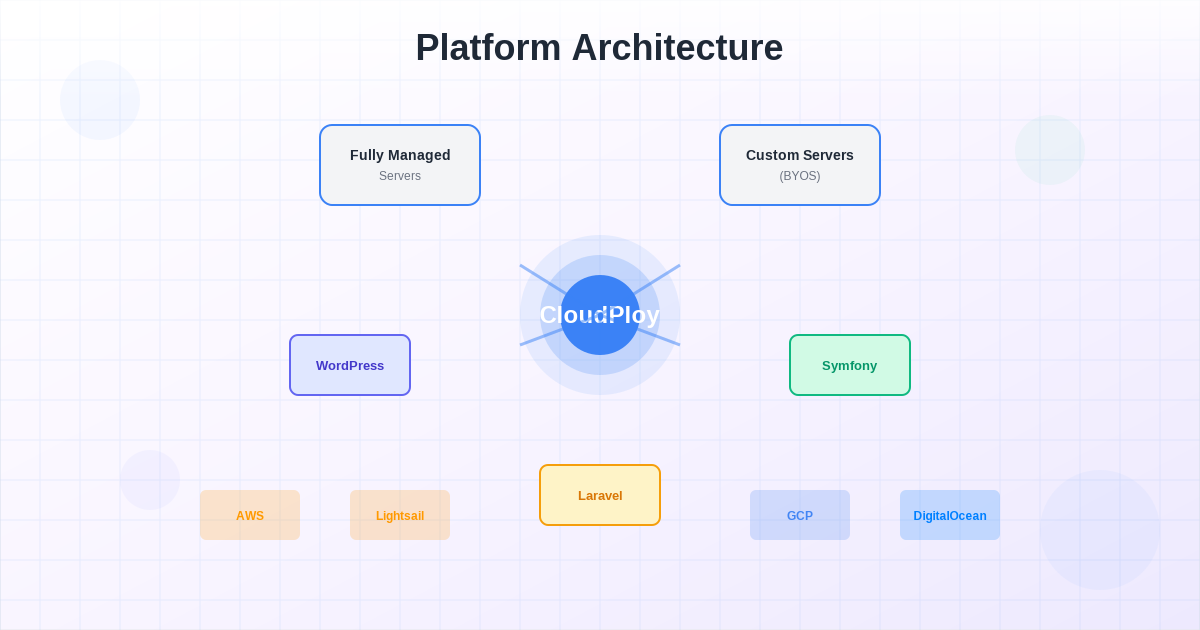
CloudPloy is a deploy control plane. You connect a server you own, connect your Git repo, and deploy, either from the CloudPloy console or by asking an AI agent such as Claude Code, Cursor or ChatGPT to do it over MCP. This post explains how it is put together. It replaces the July 2025 launch post, which described a roadmap that changed.
How CloudPloy is put together
There are two parts:
- The control plane, hosted by CloudPloy. It keeps your teams, apps, deploy history and settings, and it exposes an MCP server at
https://brain.cloudploy.com/mcpso your agent can call it. You do not install or patch it. - Your servers. Apps run on machines you own: AWS EC2 in your own AWS account, or any fresh Ubuntu or Debian server you connect over SSH. Your provider bills you for them directly; CloudPloy does not mark up compute.
When you connect an existing server, CloudPloy signs in over SSH, creates a ploy user, installs Docker and opens ports 80 and 443 plus your SSH port. See connect an existing server and connect AWS.
What a deploy does
- Build. Node, Python, Go, Rust, Ruby, Java, PHP and static sites build with Nixpacks. WordPress and Laravel have presets.
- Release. New releases switch with zero downtime, and a failed release can be rolled back.
- HTTPS. Certificates are issued automatically when you add a domain.
- Auto-deploy. Turn it on and each push to your main branch redeploys.
What CloudPloy does not do
It does not autoscale, load-balance across servers, host databases, or run a template marketplace, and it is not open source. If you need those, a managed platform or a self-hosted PaaS may fit better.
Deploying from an AI agent
Add the MCP server to your agent, for example claude mcp add --transport http cloudploy https://brain.cloudploy.com/mcp, sign in in the browser, and ask for the deploy in plain English. Git and cloud access are granted in the browser, never pasted into the chat, and deletes run only when you ask and the call includes confirm=true. The full walkthrough is in how to deploy from Claude Code, and the MCP docs list every tool.
Pricing
There is a Free plan: 1 server, 1 app, and a hard cap of 2 vCPU / 2 GB RAM. Paid plans are $9.99 to $39 a month. See pricing.
Updated November 23, 2026.